Reviewer access & permissions
Who can leave feedback on your project: open access vs allowlist, inviting reviewers, removing them, and what 403 errors mean.
Two questions decide who can post feedback on your project: is this project open to anyone, or invite-only? and is this email on the allowlist? This page walks through both.
Open access vs allowlist
Each project has a single toggle, Open access, that flips its access mode.
- Open access OFF (default): only invited reviewers + workspace members can submit. The widget’s email-OTP modal accepts a code only for emails on the project’s reviewer list.
- Open access ON: anyone who can reach the page can verify their email and submit. The widget auto-creates a reviewer record on first OTP.
Toggle it from the project’s Settings (Projects → Settings on the project’s row). The recommendation:
Off for production: keeps your dashboard signal-to-noise high. On for public beta tests: you want unsolicited feedback from real visitors.
You can flip it any time. Existing reviewer rows survive either direction; the toggle only changes who CAN newly verify.
Inviting reviewers
From the project’s row in Projects, click Reviewers, then Add reviewer → enter email → save. Repeat for each invitee. Each invitee receives an invitation email; when the project has a review link configured (Site origin in Settings), the email includes a ready-to-click link to start reviewing, no install needed. Reviewers who prefer working in their own logged-in tab can use the reviewer Chrome extension instead: they sign in once and never type email codes on pages.
Workspace members (anyone you’ve added to your PinAppAI workspace) are implicitly allowed without needing a per-project reviewer entry. Useful for internal teams.
Removing reviewers (two-stage)
The Remove button on a reviewer row is a two-stage action that mirrors a Trash → Empty Trash pattern:
- First click on an active reviewer → soft-revokes. The row stays in the list with a REVOKED badge so you can see who used to have access. Already-submitted feedback survives untouched.
- Second click on a revoked reviewer → hard-deletes the row. The row is gone from the list entirely.
The two stages are explicit because revocation is reversible-in-spirit (audit trail of “who was once a reviewer”) whereas hard-deletion isn’t. Submitted feedback always survives both stages: it belongs to the reviewer’s account, not to their access entry.
Reviewer sessions: signing in and out
A reviewer verifies their email once per site and stays signed in on that browser until the sign-in expires, which takes about half a day. While signed in, an initials chip sits beneath the widget’s floating buttons. Open it to see the name and email their feedback will carry, and to Sign out.
When a sign-in expires the widget says so and signs the reviewer out on the spot: the chip disappears and their own pins stop showing. Nothing is lost. One more email code brings the session and every pin back.
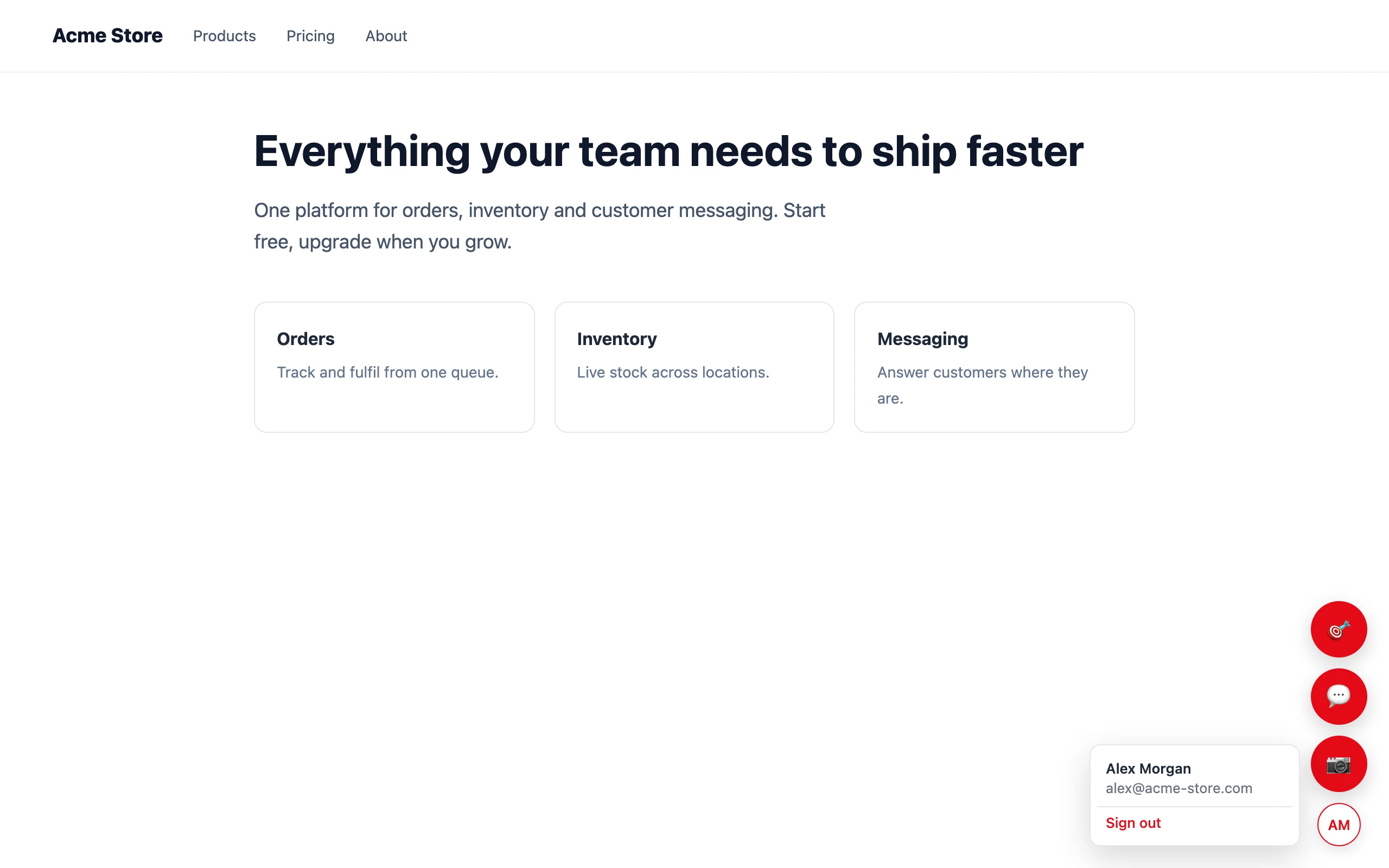
Sign-out is real: the session ends on our side, not just in that browser tab. On the review link, signing out ends the session for every project served through review.pinappai.com in that browser. Reviewers using the Chrome extension sign in and out from the extension itself instead.
What 403 errors mean for reviewers
The OTP modal surfaces specific 403 messages so you can self-diagnose if a reviewer can’t get in:
| Modal text | What it means | What to fix |
|---|---|---|
| “This site isn’t on the project’s allowed-origins list…” | The page’s origin (e.g., https://staging.your.site) isn’t in allowed_origins for the project |
Add the origin in Projects → Settings → Allowed origins |
| “This email isn’t on the project’s reviewer allowlist…” | The reviewer’s email isn’t on the allowlist AND open access is off | Either add the email as a reviewer, or flip Open access on |
| Anything else | The API returned the literal message (usually a stale data-project key) |
Verify the script tag matches your current project’s API key |
These granular messages replaced an older “you don’t have permission, contact the project owner” generic message that left owners debugging blind.
API key vs reviewer
Two separate concepts:
pk_*(widget key): embedded in your widget script tag. Public, scoped to one project, intended to be in your customer-facing HTML. Cannot post feedback by itself; it only identifies which project the widget belongs to.- Reviewer credential: minted when a reviewer verifies their email, scoped to that reviewer and that browser, and required on every feedback submission. Never appears in your HTML; you never handle it.
Revoking a reviewer takes effect on their next submission attempt: the submission is rejected and they see the granular 403 in the modal.
Workspace roles (advanced)
Workspaces have four roles: owner > admin > editor > viewer. Project access flows through workspace membership: any workspace member can submit feedback on any project in the workspace. Only owners + admins can manage API keys and project settings. Viewers and editors can submit but not configure.
Workspace member changes propagate to project access immediately. No per-project sync.