Reviewers don't create accounts, learn a tool, or install anything unless they want to. Pick the surface that fits each reviewer and each site; every pin lands in the same Inbox either way.
Start hereReview link
Zero setup, send a URL
Send one link and the site opens with the review tools already on it: pins, text selections, screenshots, device view. The reviewer verifies their email once and starts pinning. Nothing embedded, nothing installed.
 How review links work →Always on
Embedded widget
Feedback lives on the site itself
One script tag and every page of the deployed site is pinnable, on every visit, at the normal URL. No link to share, no session to start: whoever is allowed just pins the page they are already on.
 How the widget works →Own tab, own login
Chrome extension
For logged-in and in-app pages
Reviewers pin in their own browser tab, behind their own login, on pages a shared link can't reach. Sign in once, choose the sites it's active on, and the tools are simply there.
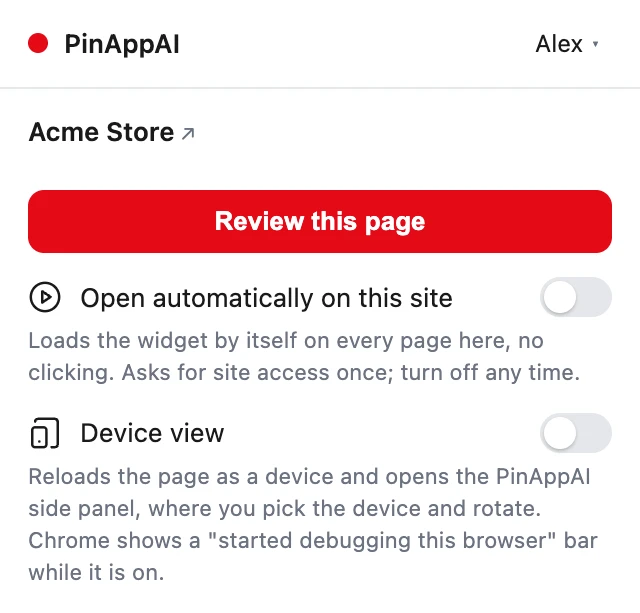 About the extension →Voice first
Desktop app
For reviewers who talk faster than they type
A native macOS client that opens any site, drops pins, and takes dictation with native capture. Speak the change; it arrives as a structured request, same as a typed one.
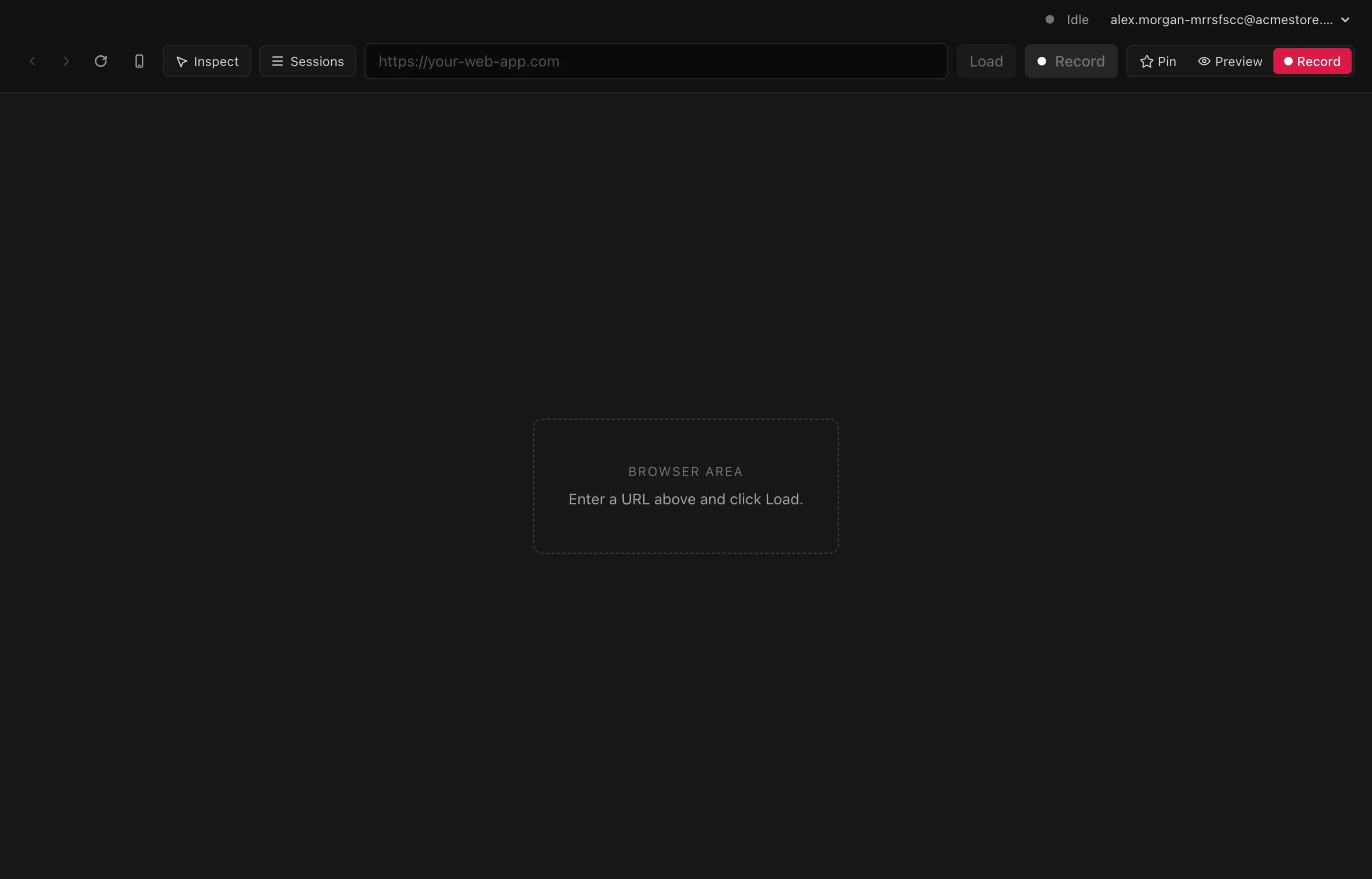 Download for macOS →
 Partial: sites with cookie-based sign-ins work through the review link; app-token logins are where the extension shines.